Palisades at Pleasant Crossings | Apartments in Rogers, AR
https://www.liveatpalisades.com/
desktop (annotated)
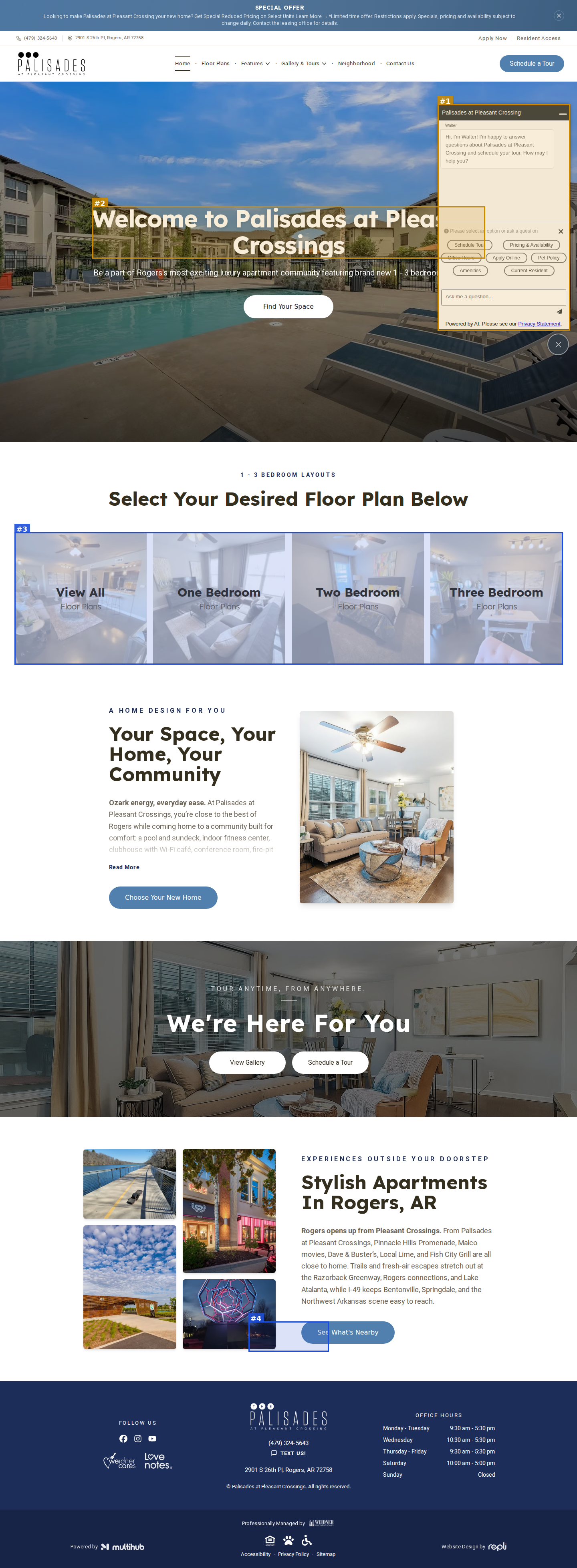
mobile

seriousvisual · mobile-layout
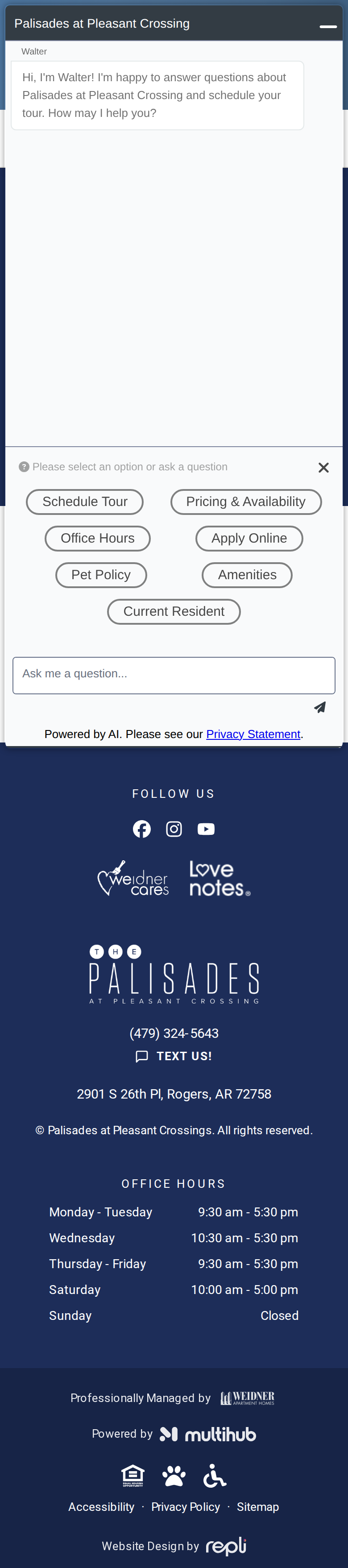
Mobile: Walter chat panel auto-opens and covers the entire first screen (hero, heading and CTA hidden) on page load
#1moderatevisual · element-overlap
Walter AI chat widget auto-opens over the right side of the hero and cuts the heading to 'Welcome to Palisades at Pleas' and the subhead to '...brand new 1 - 3 bedroo' (greeting correctly names Palisades at Pleasant Crossing)
#2moderatevisual · placeholder-content
Property name inconsistent: hero heading, body copy and footer copyright say 'Palisades at Pleasant Crossings' (plural) while the logo, offer banner, Walter chat and floor-plan files use 'Palisades at Pleasant Crossing' — repeated on every page
#4minorvisual · duplicate-content
Header logo reads 'PALISADES at Pleasant Crossing' but footer logo reads 'THE PALISADES at Pleasant Crossing' — inconsistent branding
#3minorvisual · unreadable-text
Floor-plan category cards (View All / One / Two / Three Bedroom) look washed out with low-contrast labels
Floor Plans | Rogers, AR Apartments for Rent
https://www.liveatpalisades.com/floor-plans
desktop
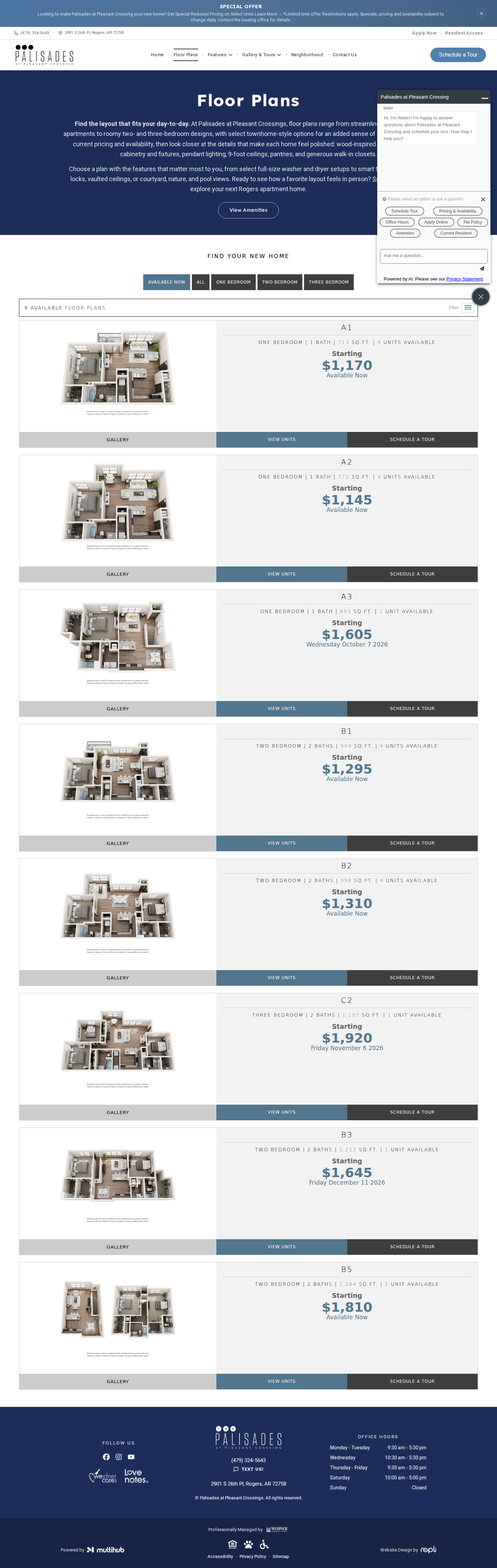
mobile

No findings on this page.
Interactive Map | Palisades at Pleasant Crossings Apartments
https://www.liveatpalisades.com/interactive-map
desktop (annotated)
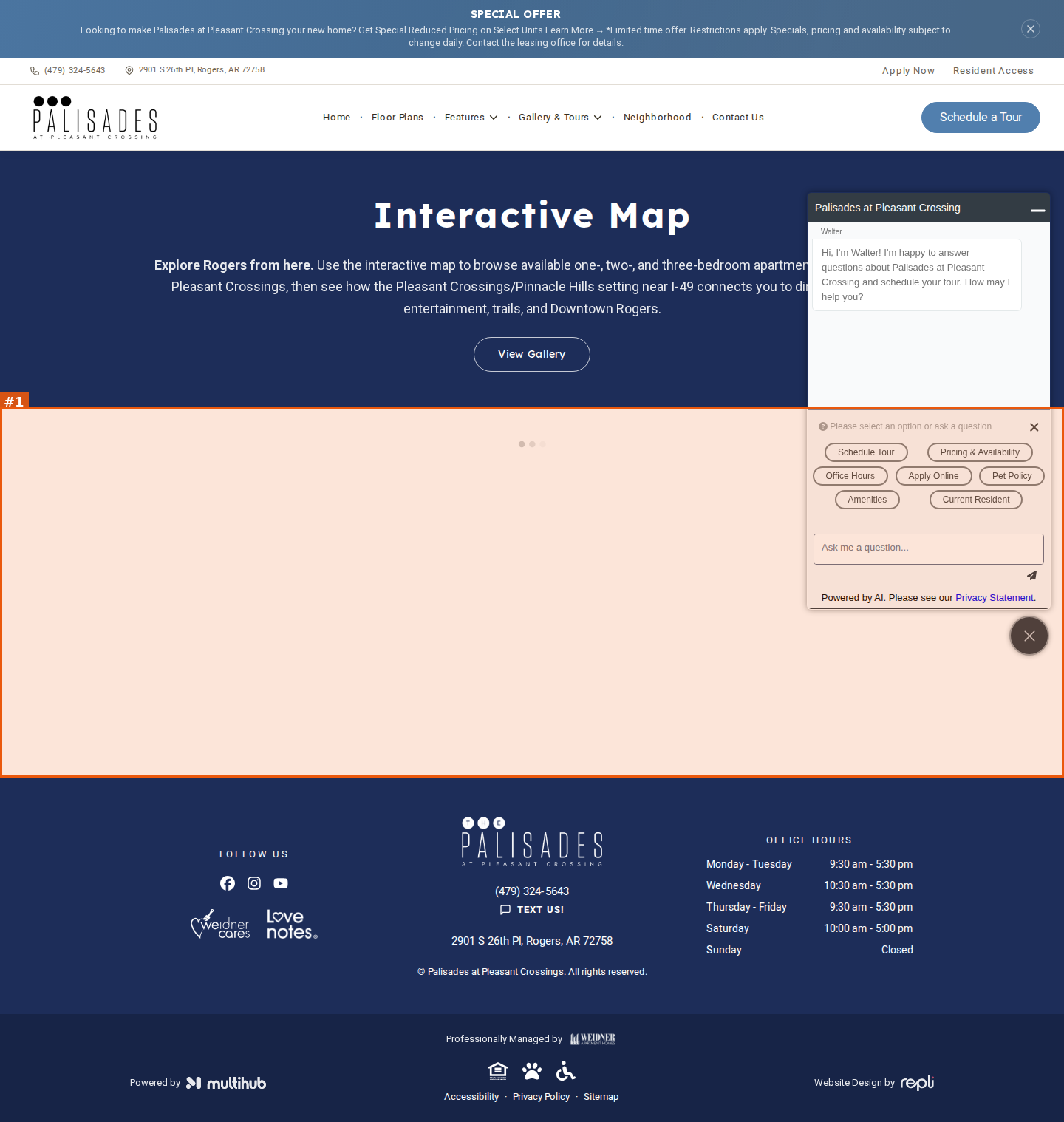
mobile
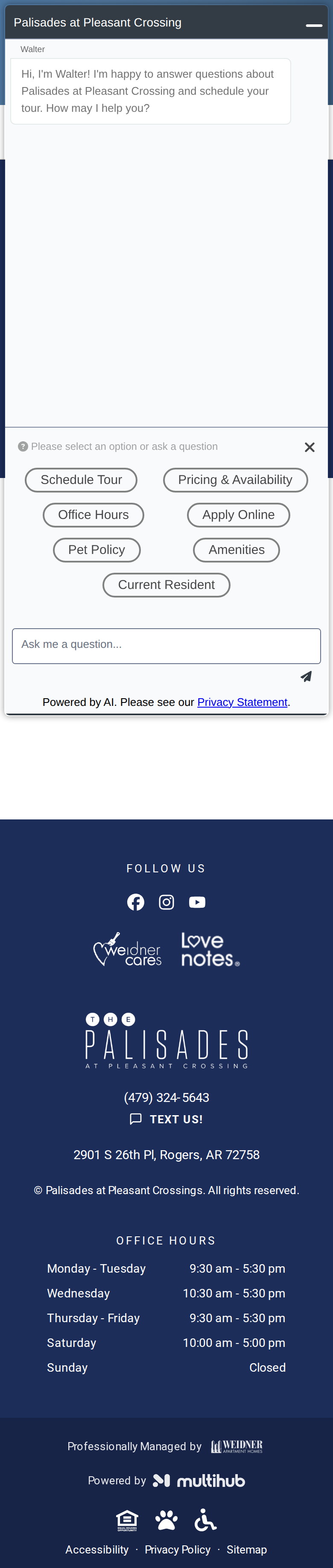
#1seriousvisual · empty-embed
Interactive map section shows only three loading dots and never renders — ~500px blank white area between hero and footer (lead to verify). Confirmed in a real browser on sister sites: the map never loads.
Virtual Tours | Palisades at Pleasant Crossings Apartments
https://www.liveatpalisades.com/virtual-tour
desktop (annotated)
mobile
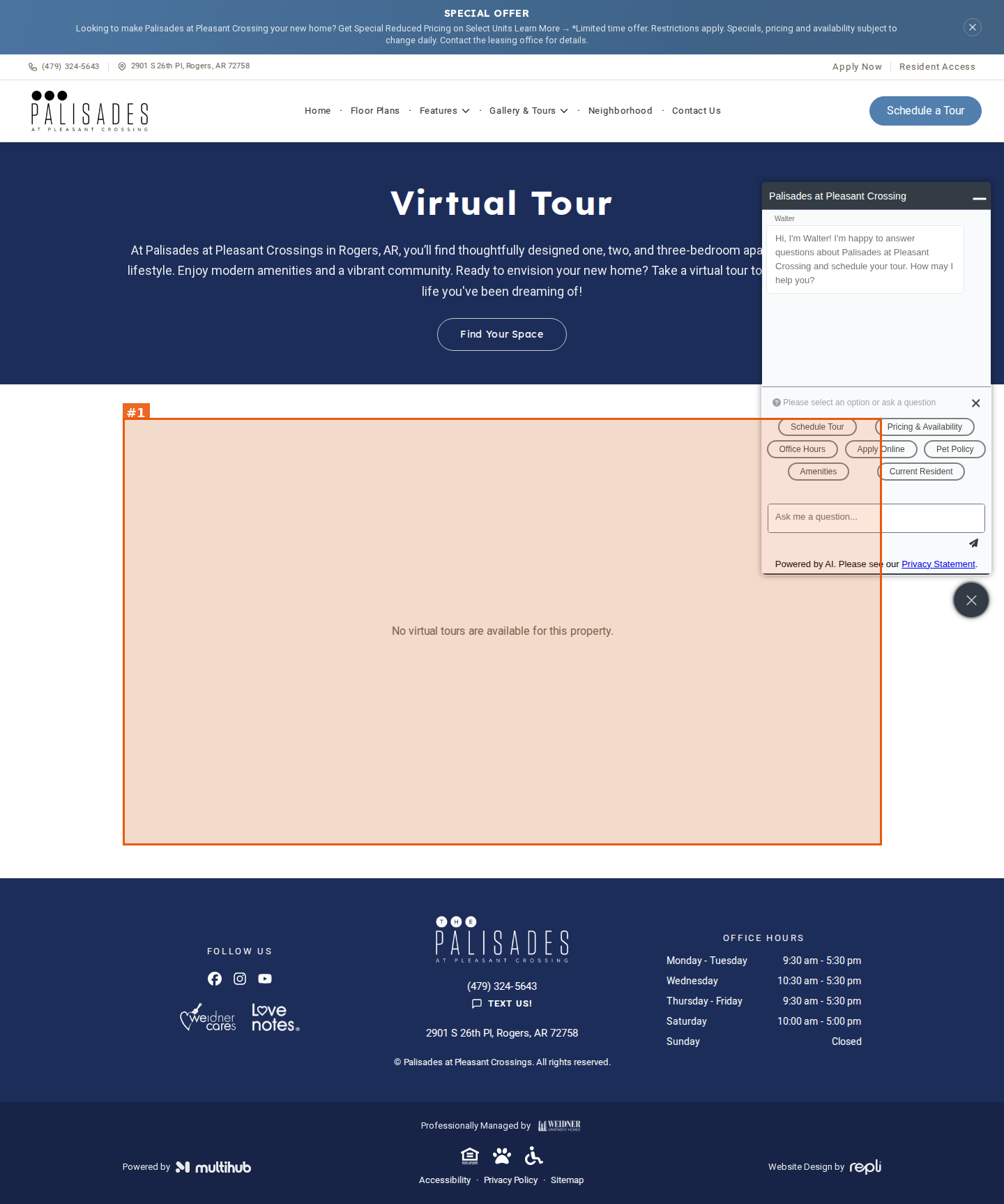
#1seriousvisual · empty-embed
Virtual Tour page (linked from Gallery & Tours nav) has no tour — large grey panel just says 'No virtual tours are available for this property.' while hero copy invites visitors to 'Take a virtual tour'
Amenities | Rogers, AR Apartments for Rent
https://www.liveatpalisades.com/amenities
desktop
mobile

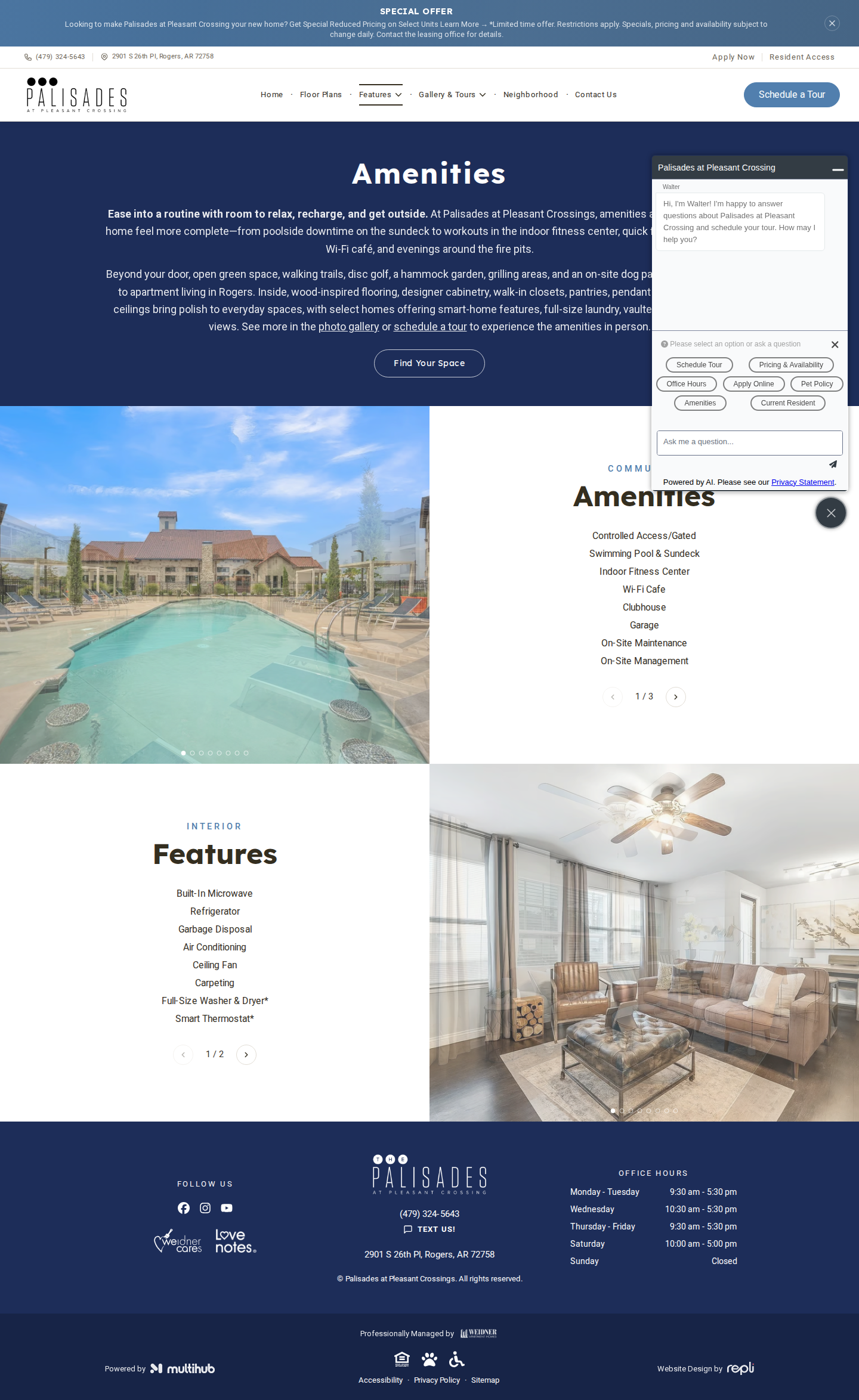
No findings on this page.
Gallery | Apartments in Rogers, AR
https://www.liveatpalisades.com/gallery
desktop (annotated)
mobile

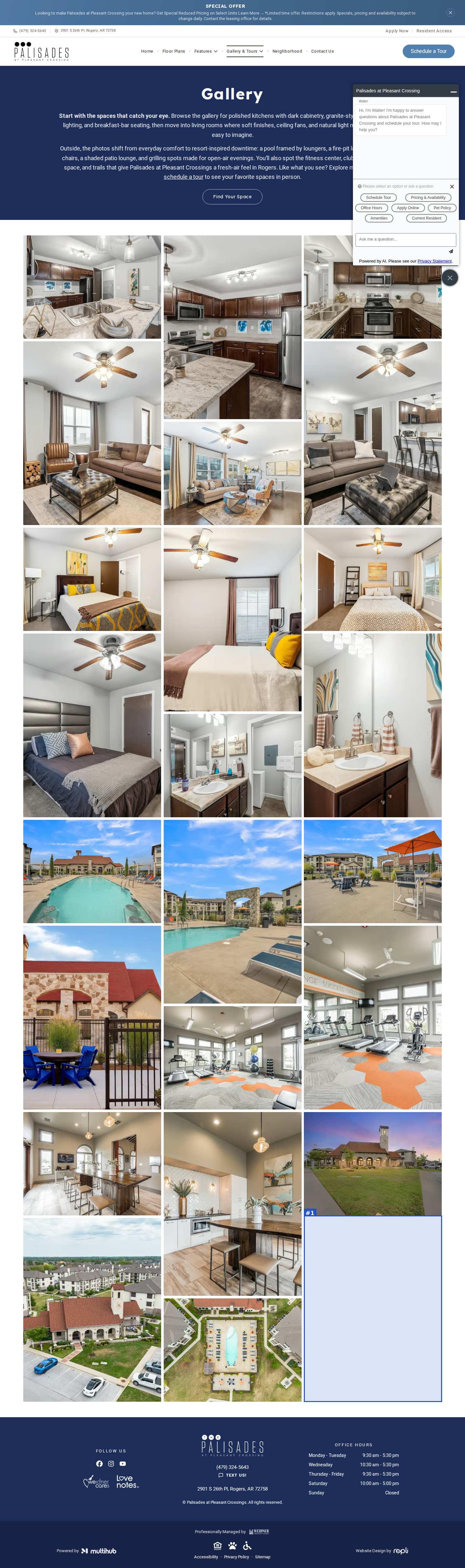
#1minorvisual · dead-space
Masonry gallery ends unevenly: third column stops ~580px above the other two, leaving an empty block at bottom-right before the footer
Neighborhood | Apartments in Rogers, AR
https://www.liveatpalisades.com/neighborhood
desktop
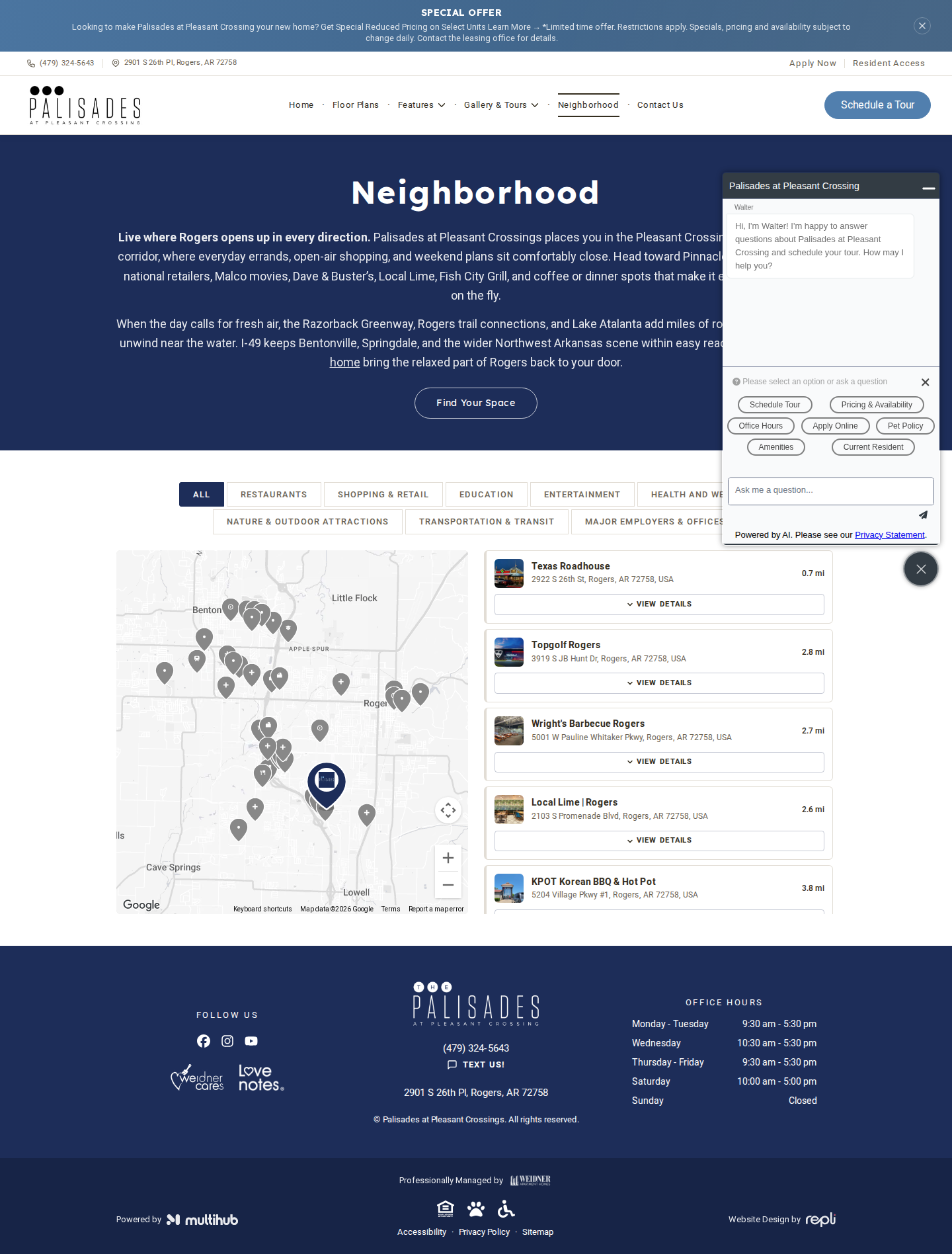
mobile

No findings on this page.
Pet Policy | Apartments in Rogers, AR
https://www.liveatpalisades.com/pet-policy
desktop
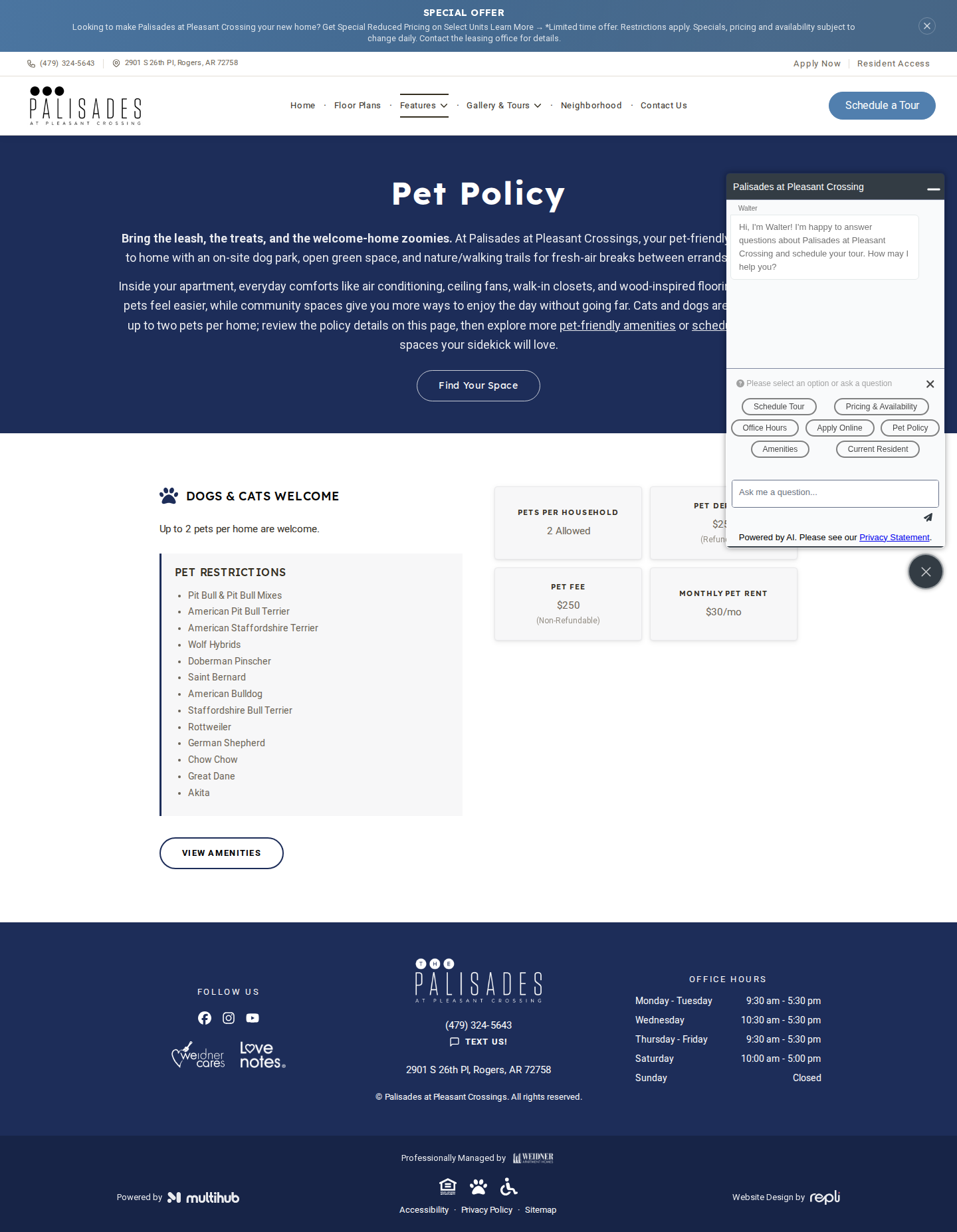
mobile

No findings on this page.
Contact Us | Palisades at Pleasant Crossings
https://www.liveatpalisades.com/contact-us
desktop
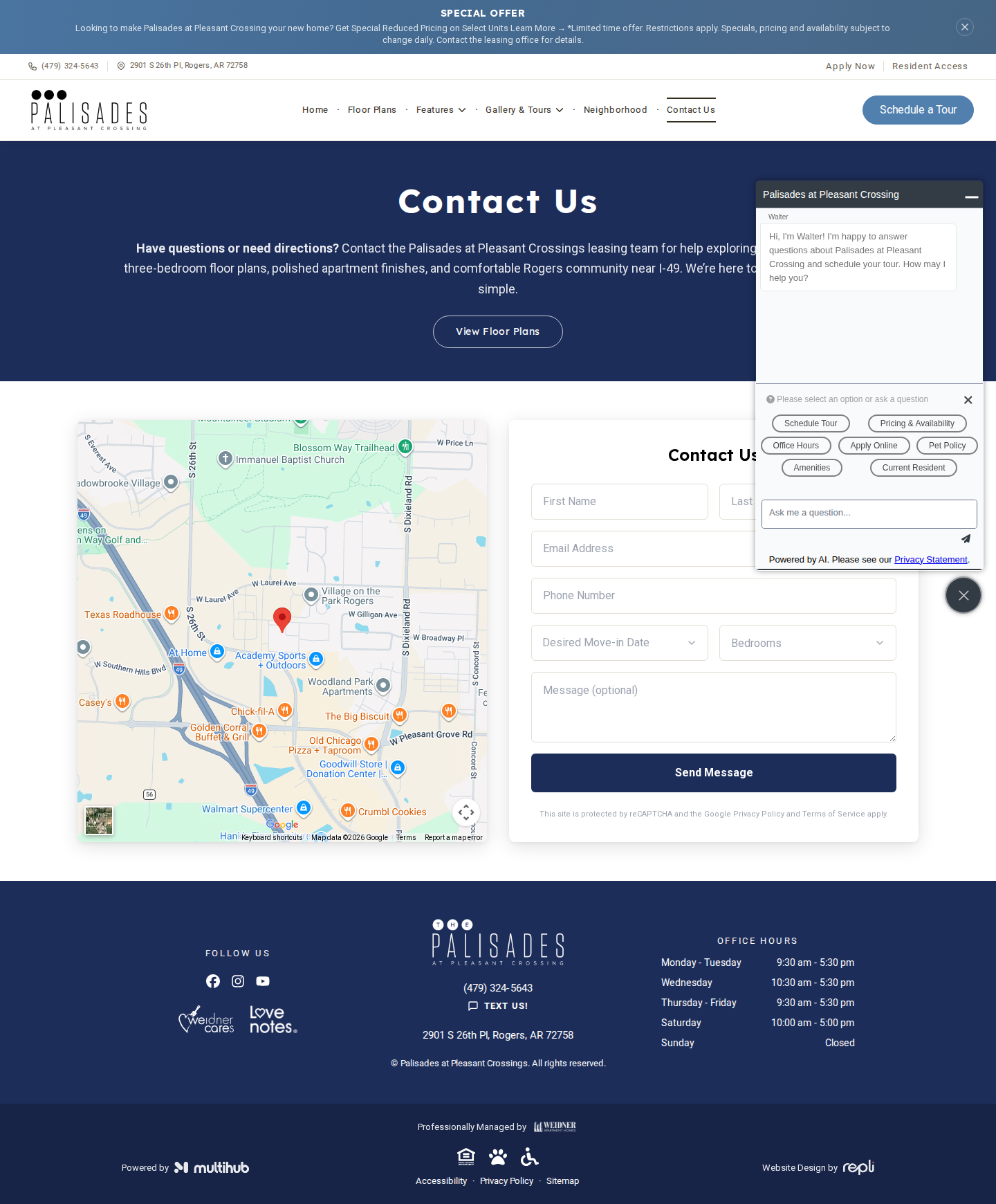
mobile

No findings on this page.
Palisades at Pleasant Crossings | Apartments in Rogers, AR
https://www.liveatpalisades.com/resident-access
desktop
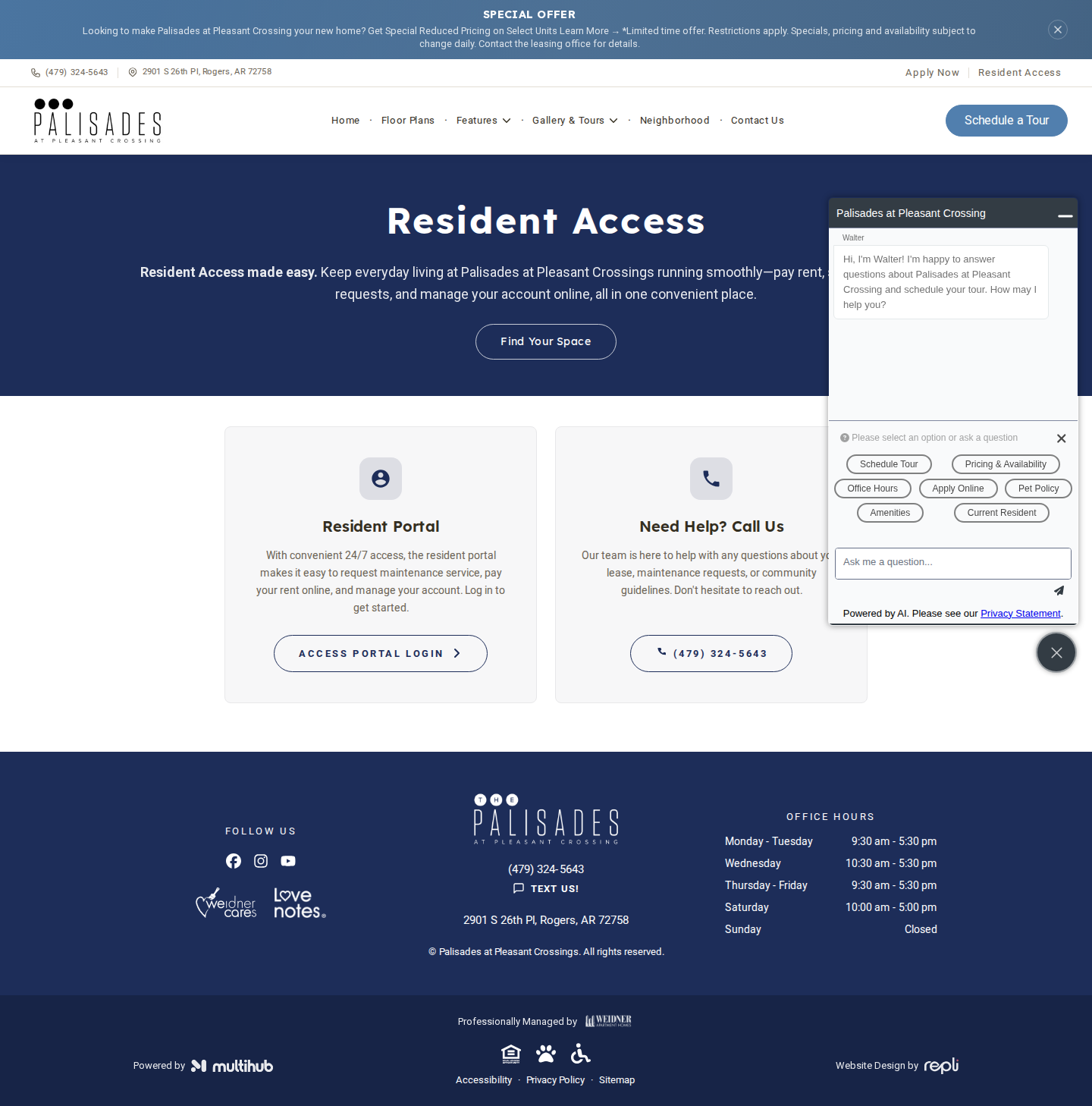
mobile

No findings on this page.
Schedule a Tour | Palisades at Pleasant Crossings
https://www.liveatpalisades.com/schedule-a-tour
desktop
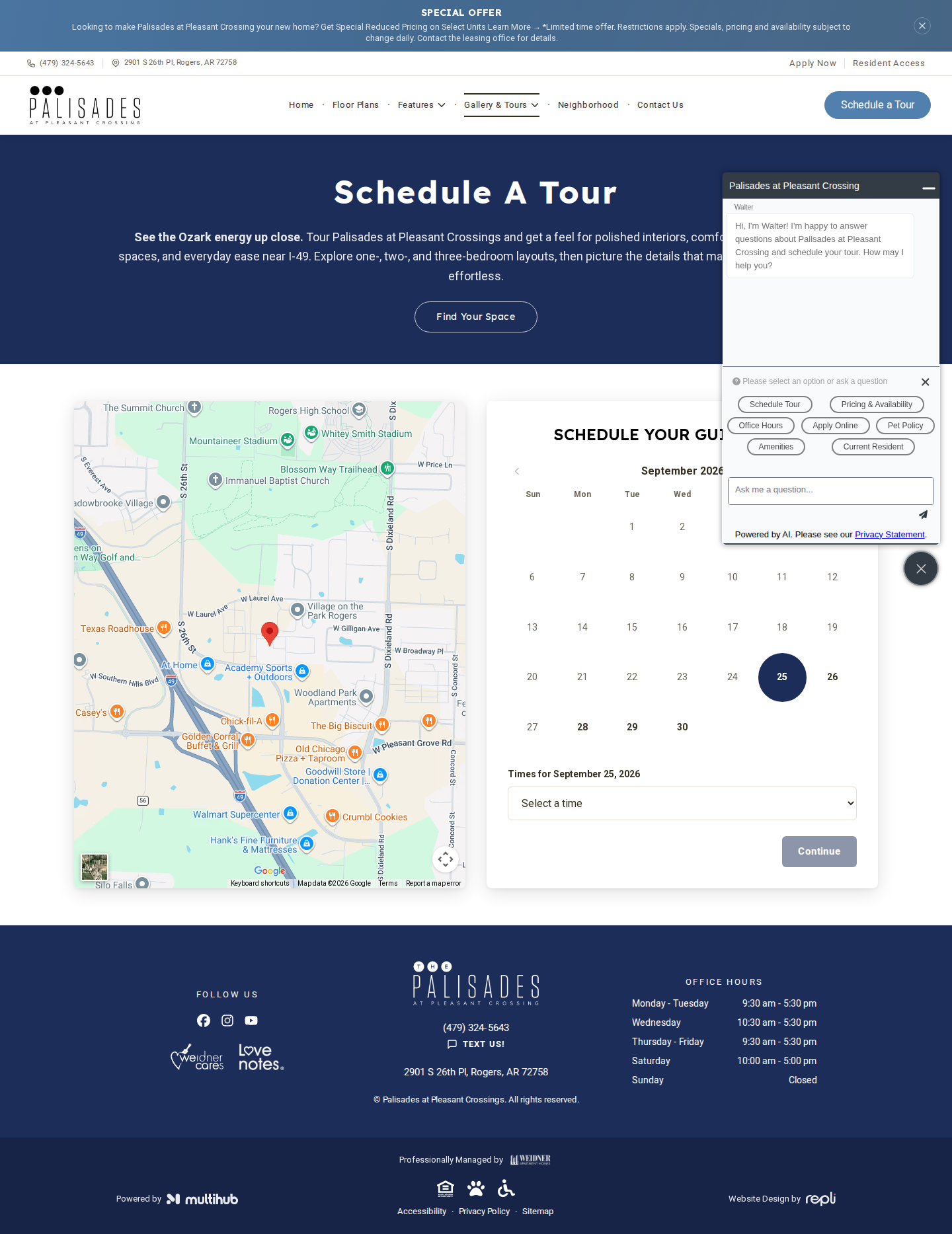
mobile

No findings on this page.
Palisades at Pleasant Crossings | Future Residents Club
https://www.liveatpalisades.com/future-residents-club
desktop
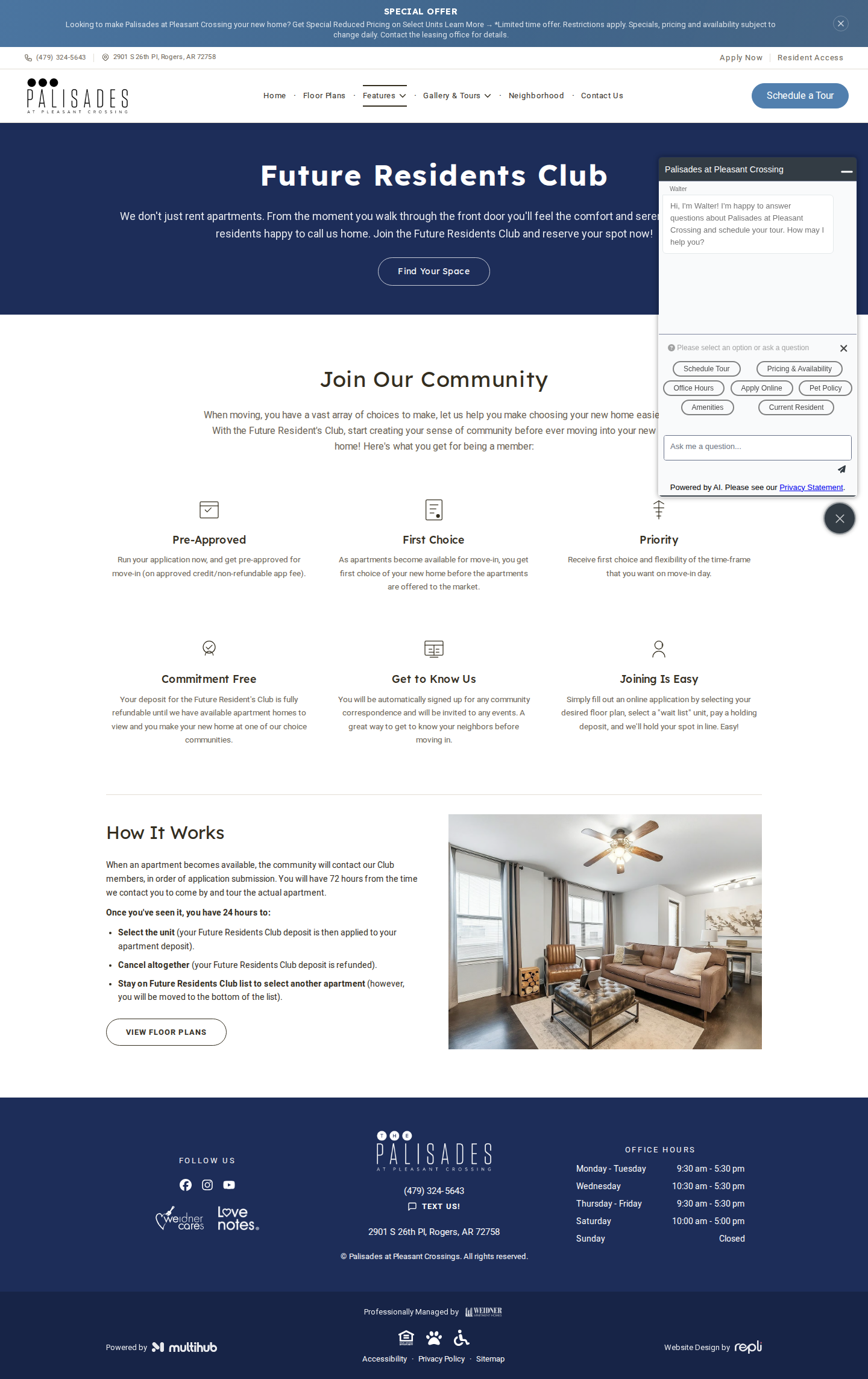
mobile

No findings on this page.
Floor Plans | Rogers, AR Apartments for Rent
https://www.liveatpalisades.com/floor-plans?bedroom=one
desktop
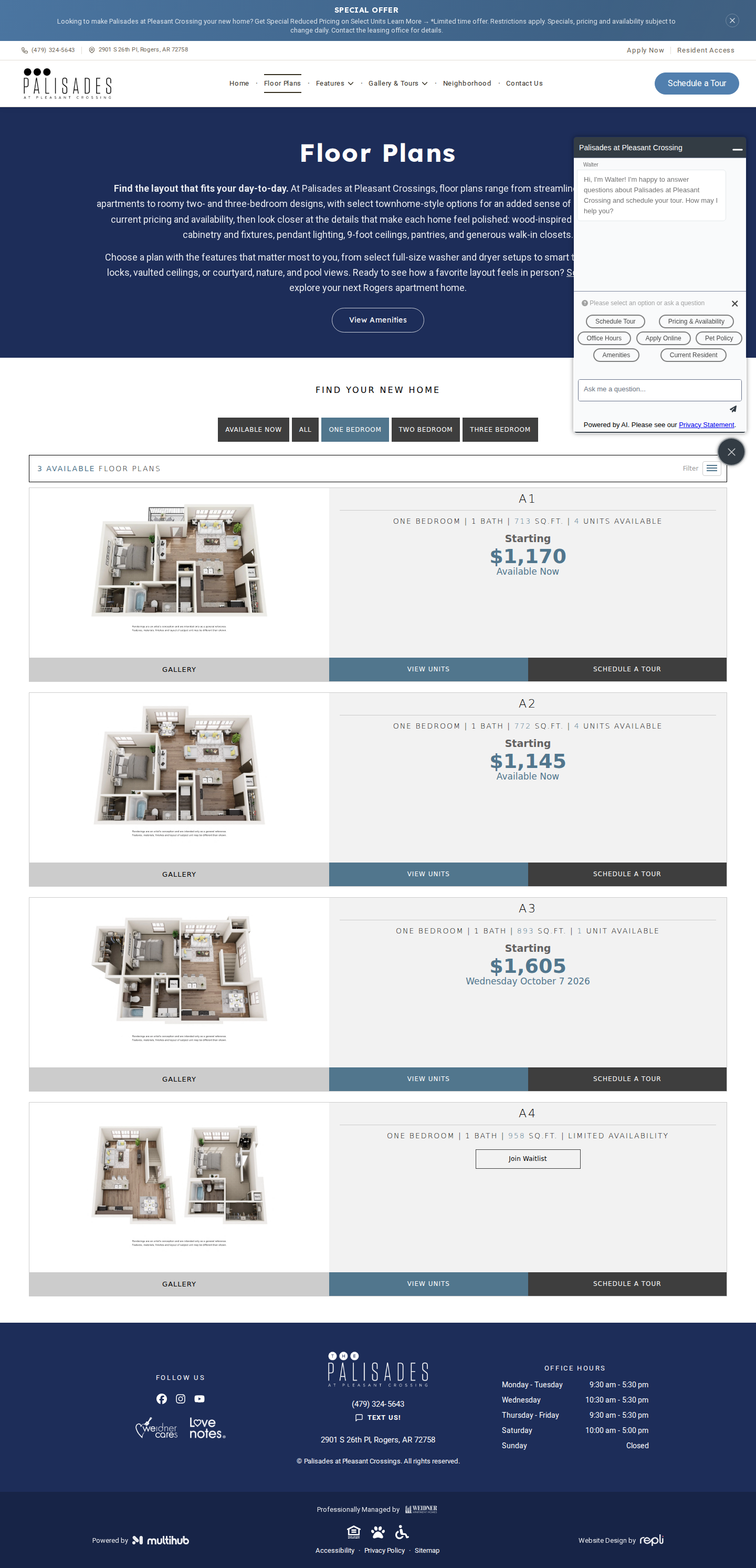
mobile

No findings on this page.
Floor Plans | Rogers, AR Apartments for Rent
https://www.liveatpalisades.com/floor-plans?bedroom=two
desktop (annotated)
mobile

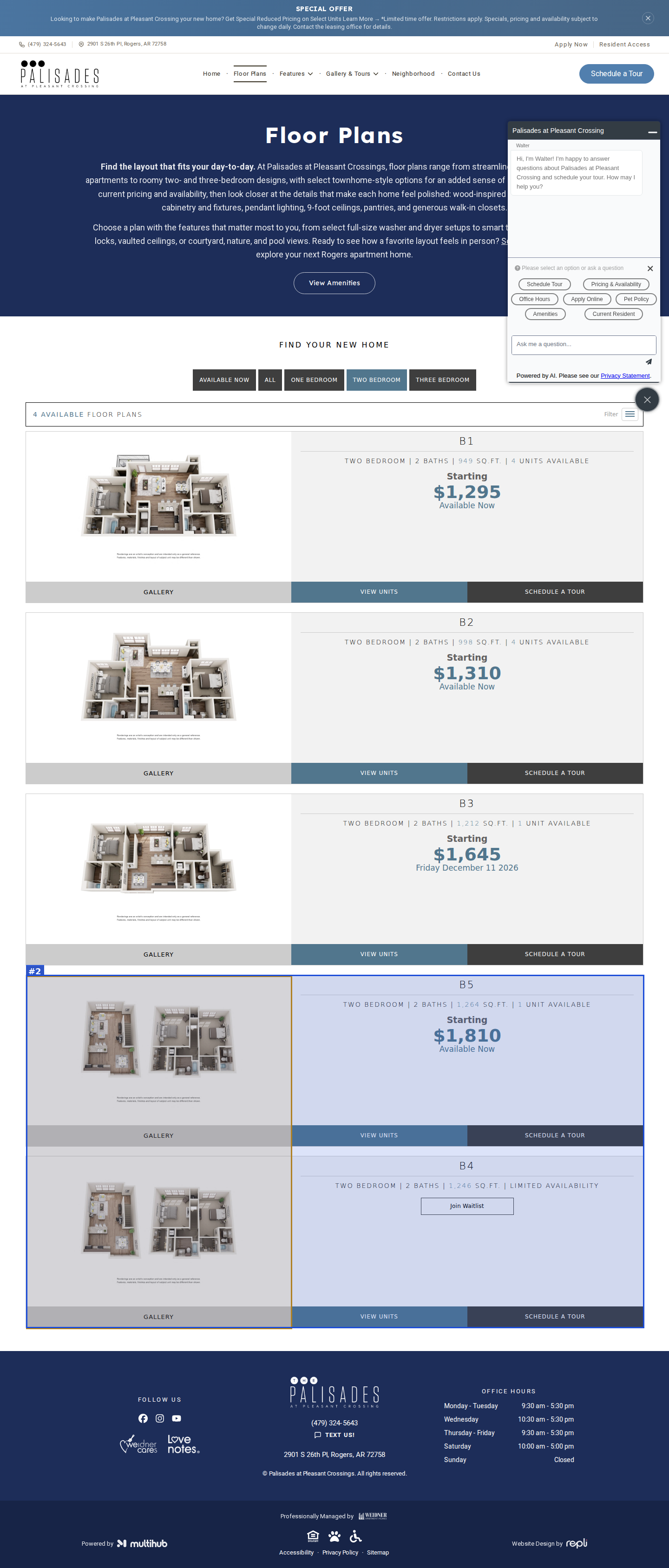
#1moderatevisual · duplicate-image
Two Bedroom filter: B5 (1,264 sq ft) and B4 (1,246 sq ft) cards show the same townhome floor-plan rendering (different file names but pixel-identical), so the two plans cannot be told apart visually
#2minorvisual · grid-misalignment
Two Bedroom list is out of order: B5 is listed before B4 (B1, B2, B3, B5, B4)
Floor Plans | Rogers, AR Apartments for Rent
https://www.liveatpalisades.com/floor-plans?bedroom=three
desktop
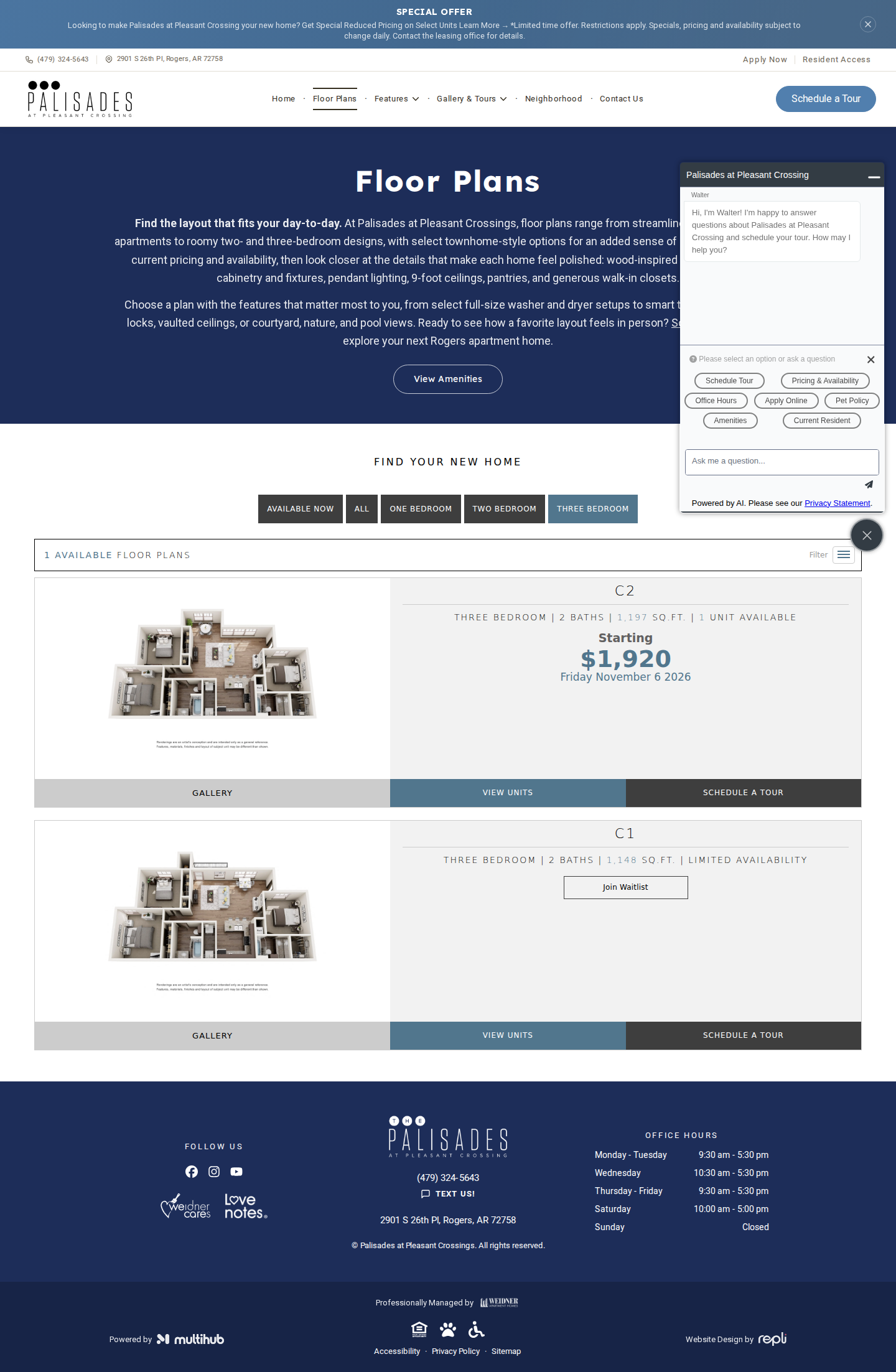
mobile

No findings on this page.
Website Accessibility | Palisades at Pleasant Crossings
https://www.liveatpalisades.com/accessibility
desktop (annotated)
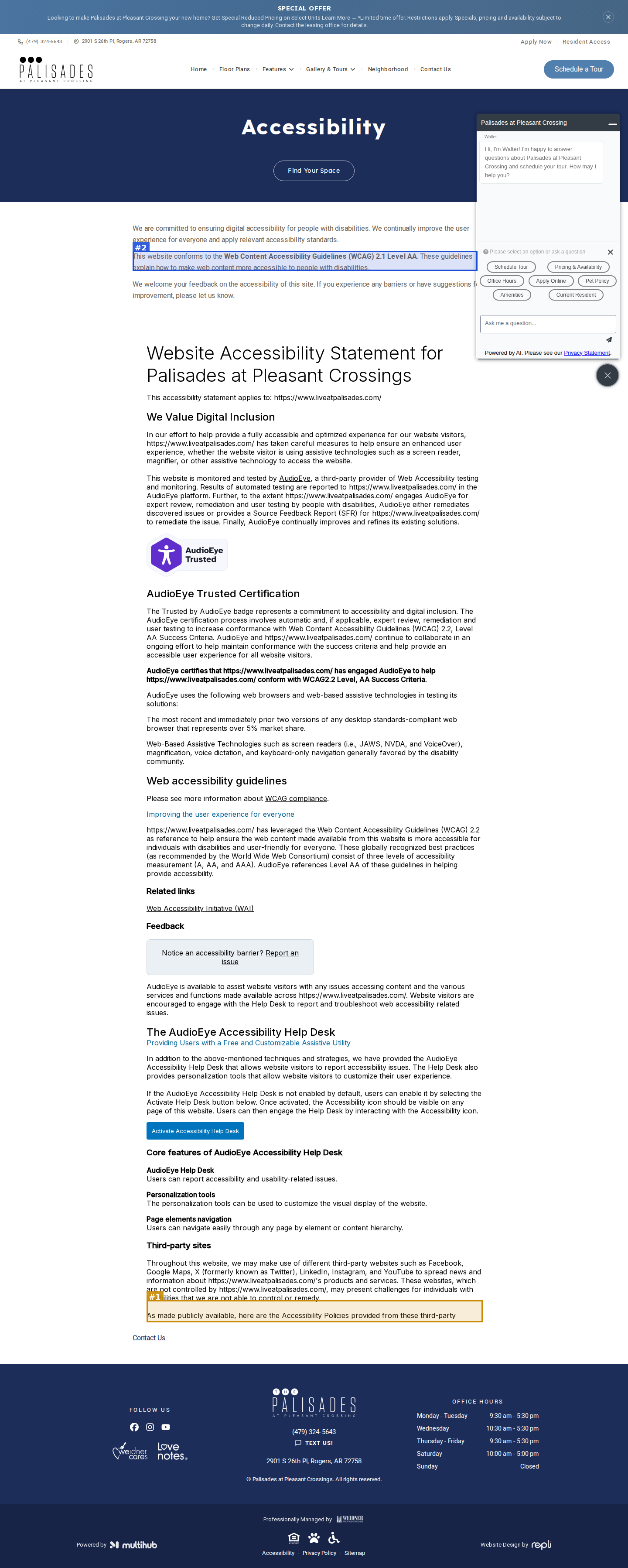
mobile

#1moderatevisual · text-clipped
AudioEye accessibility statement is cut off inside a fixed-height box: desktop ends mid-sentence at 'As made publicly available, here are the Accessibility Policies provided from these third-party', with the third-party links list hidden; on mobile it cuts off at a half-visible 'Related links' heading
#2minorvisual · placeholder-content
Intro says the site conforms to WCAG 2.1 Level AA, while the AudioEye statement directly below cites WCAG 2.2 Level AA
Privacy Policy | Palisades at Pleasant Crossings
https://www.liveatpalisades.com/privacy-policy
desktop
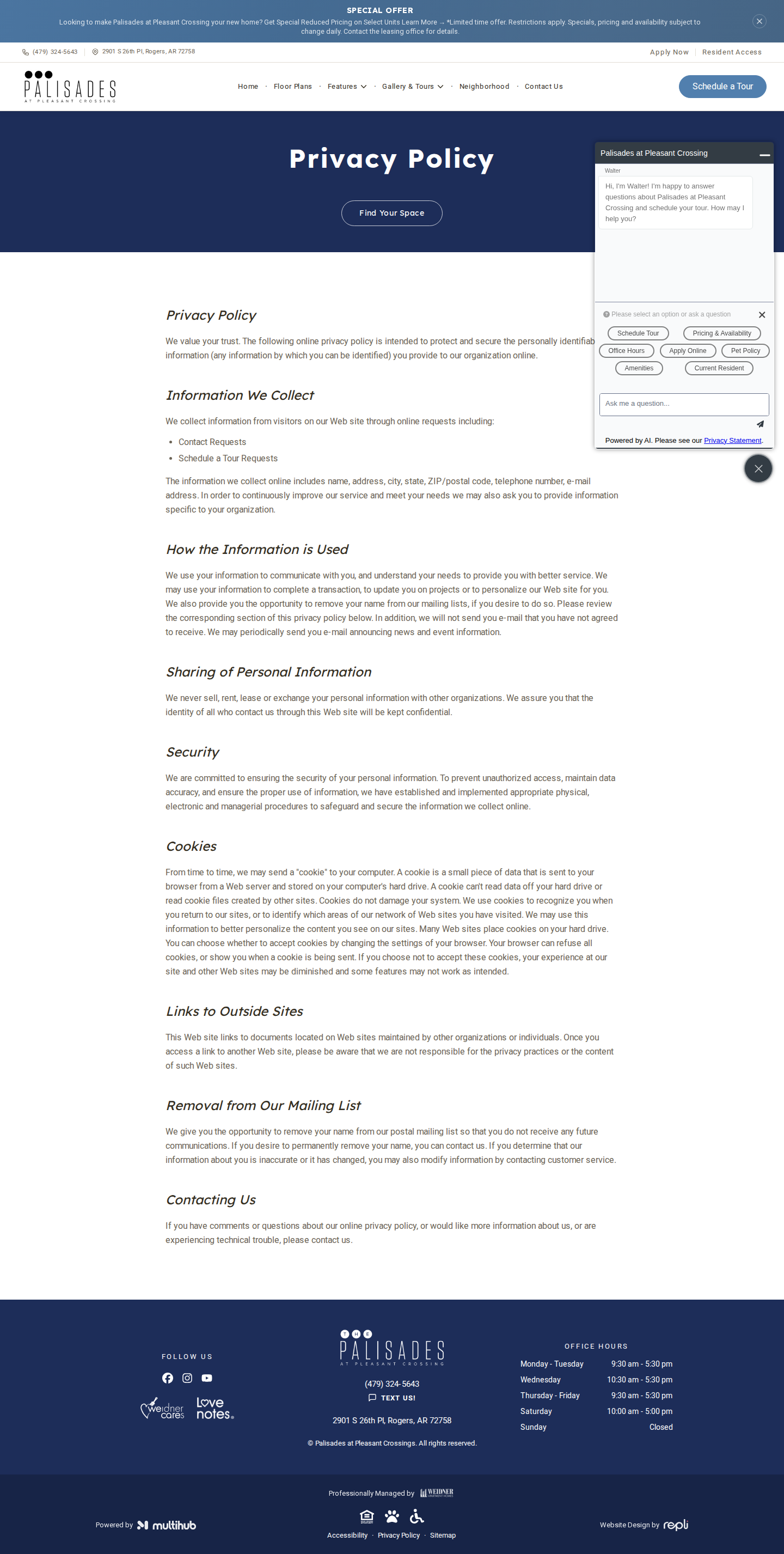
mobile

No findings on this page.
Palisades at Pleasant Crossings | Apartments in Rogers, AR
https://www.liveatpalisades.com/sitemap
desktop (annotated)
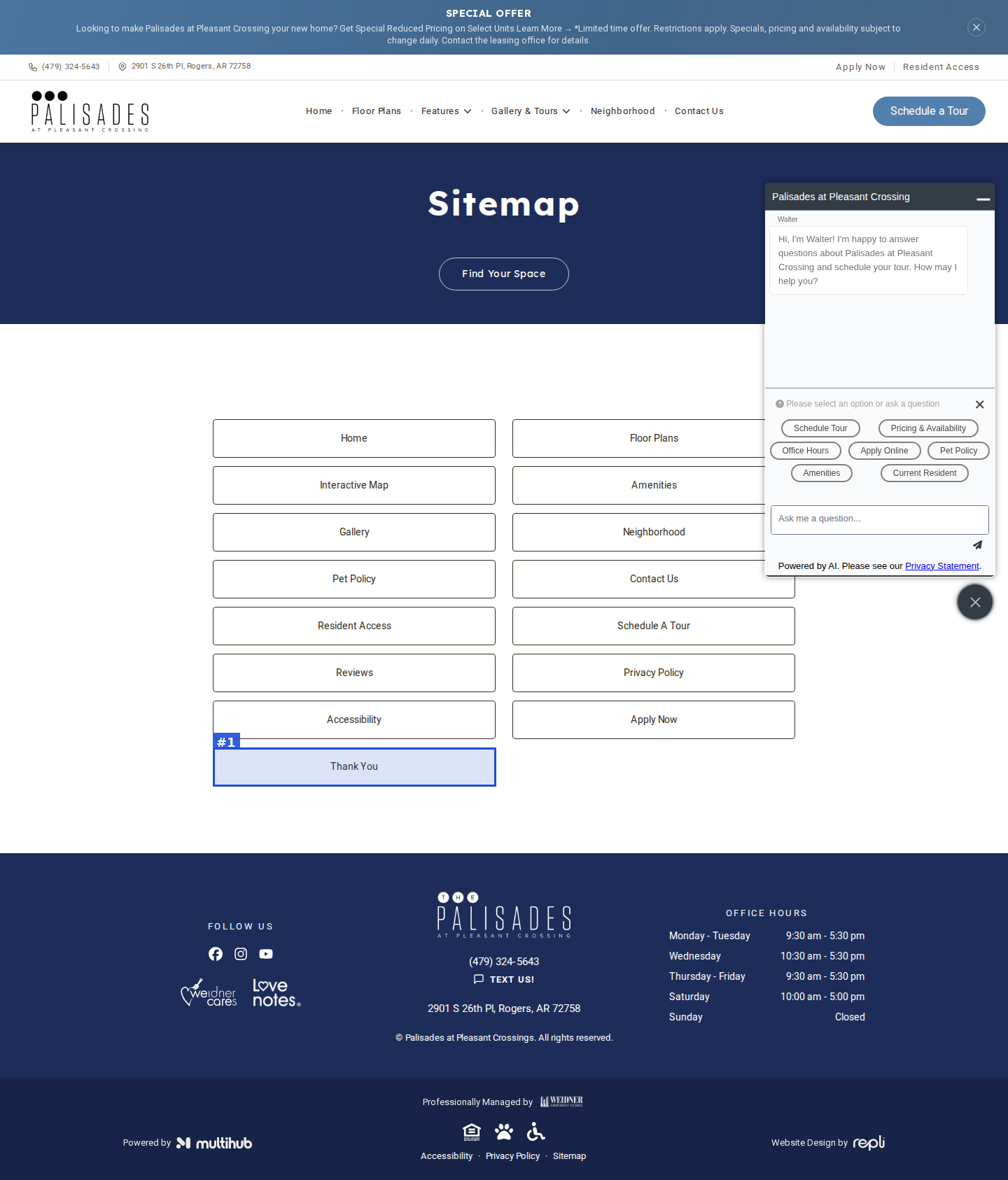
mobile

#1minorvisual · unfinished-section
Sitemap lists the post-submission 'Thank You' page as a public link, and it sits as a lone button in the last row of the grid
Palisades at Pleasant Crossings | Apartments in Rogers, AR
https://www.liveatpalisades.com/reviews
desktop
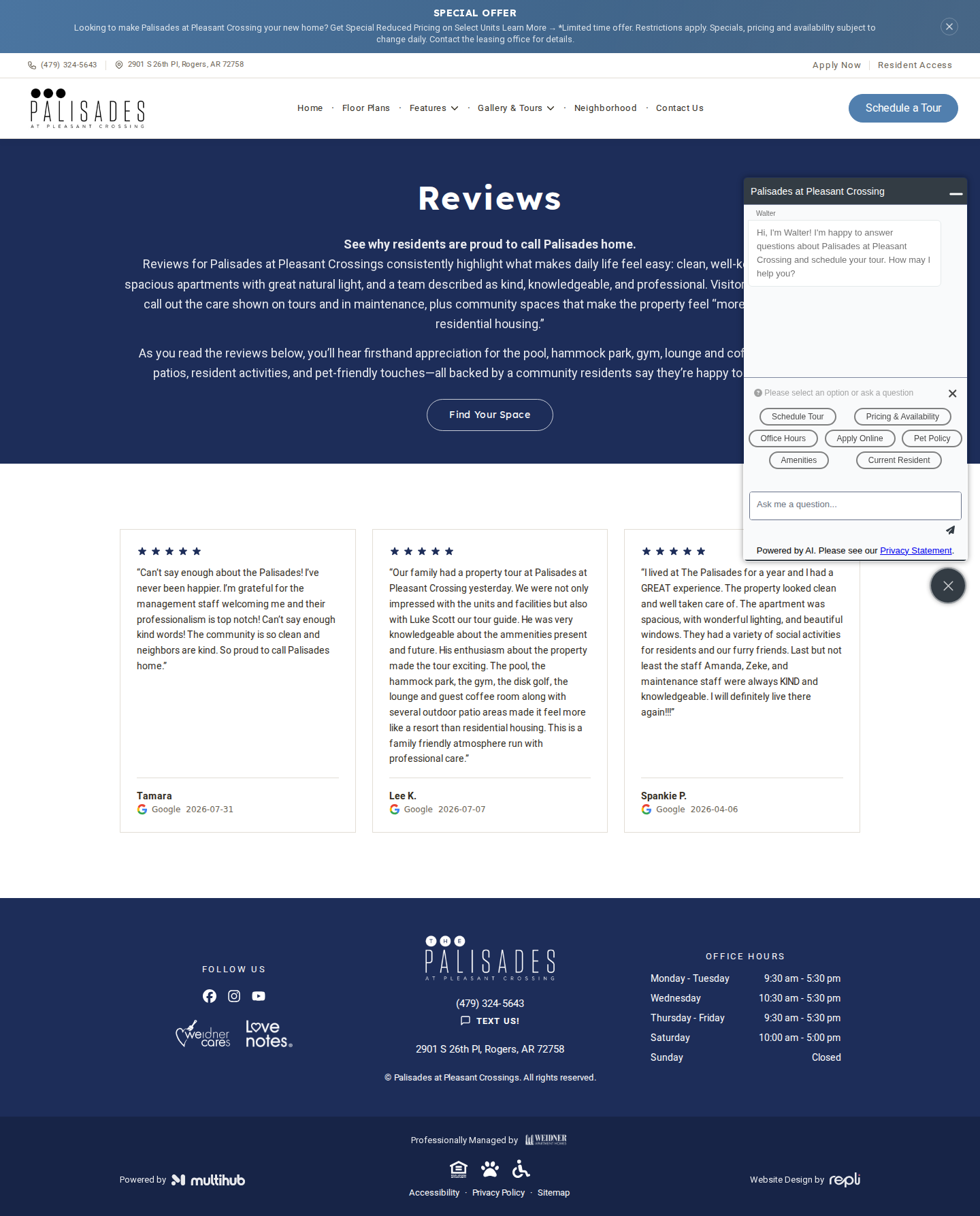
mobile

No findings on this page.
Palisades at Pleasant Crossings | Apartments in Rogers, AR
https://www.liveatpalisades.com/apply-now
desktop (annotated)

mobile
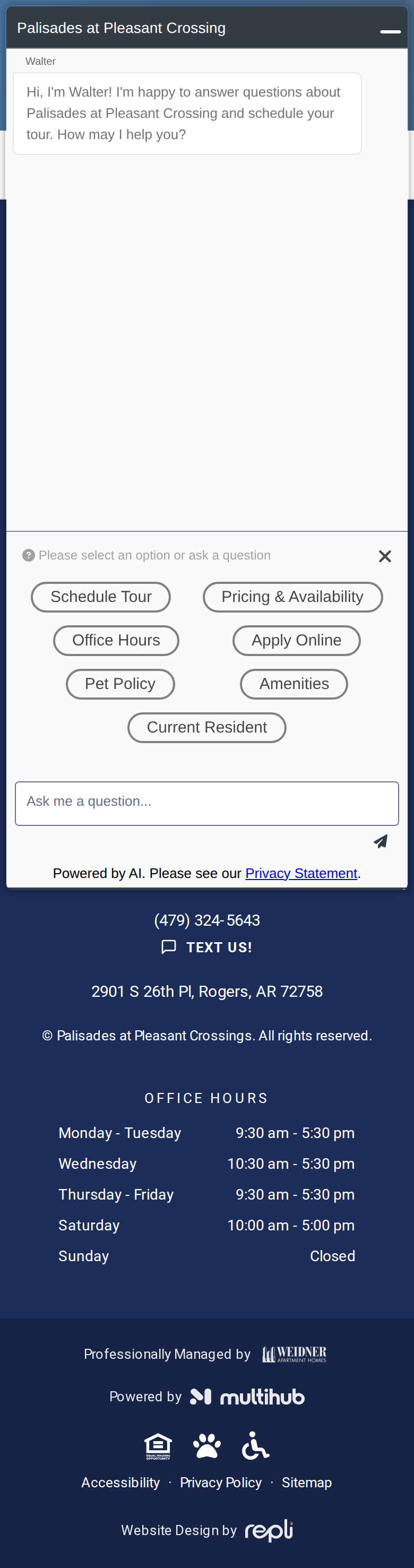
#1seriousvisual · missing-cta
Apply Now page has no application form, embed or apply button: only the hero (with a generic 'Find Your Space' button) followed directly by the footer, so a visitor cannot start an application here
Palisades at Pleasant Crossings | Apartments in Rogers, AR
https://www.liveatpalisades.com/thank-you
desktop
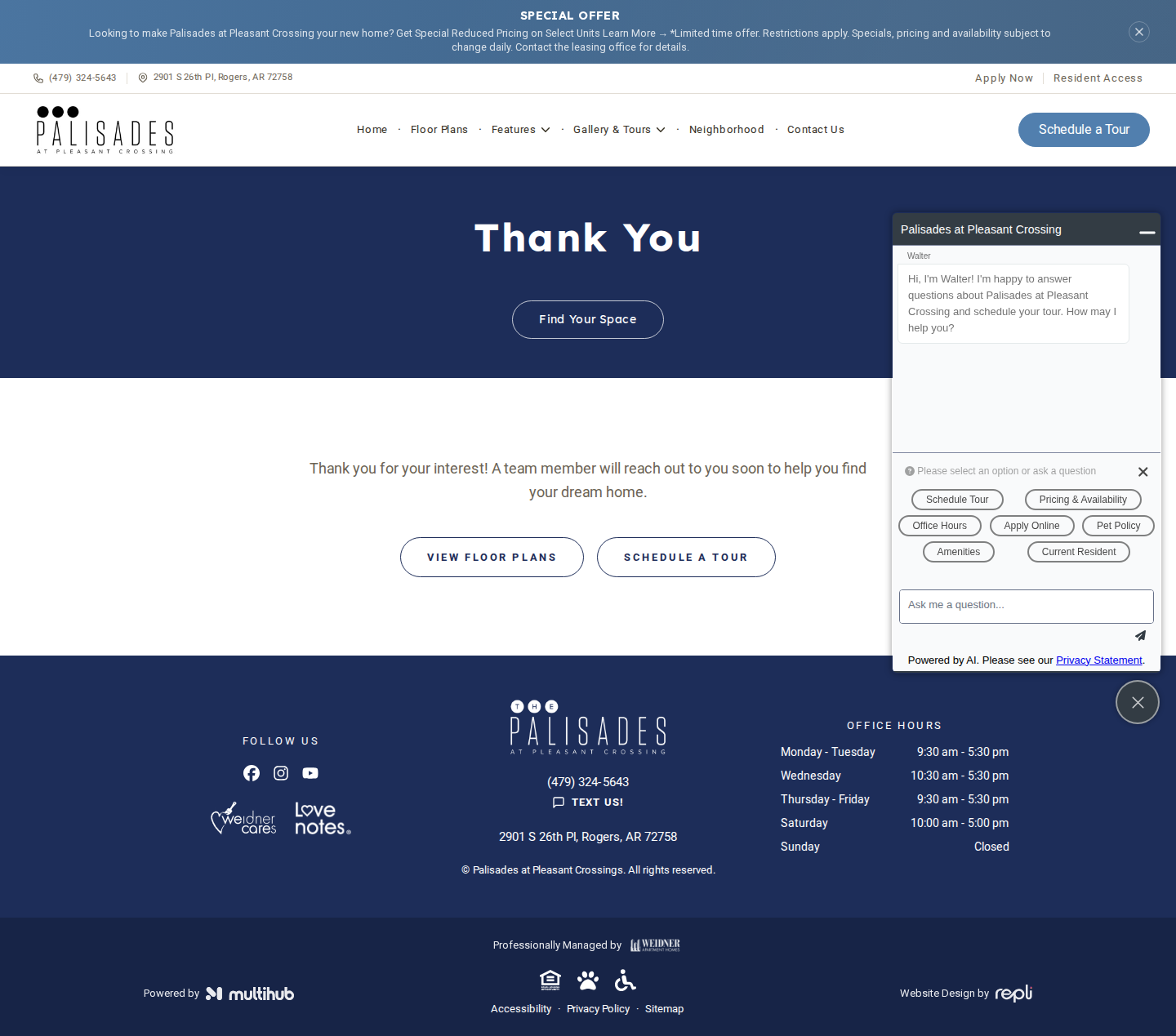
mobile
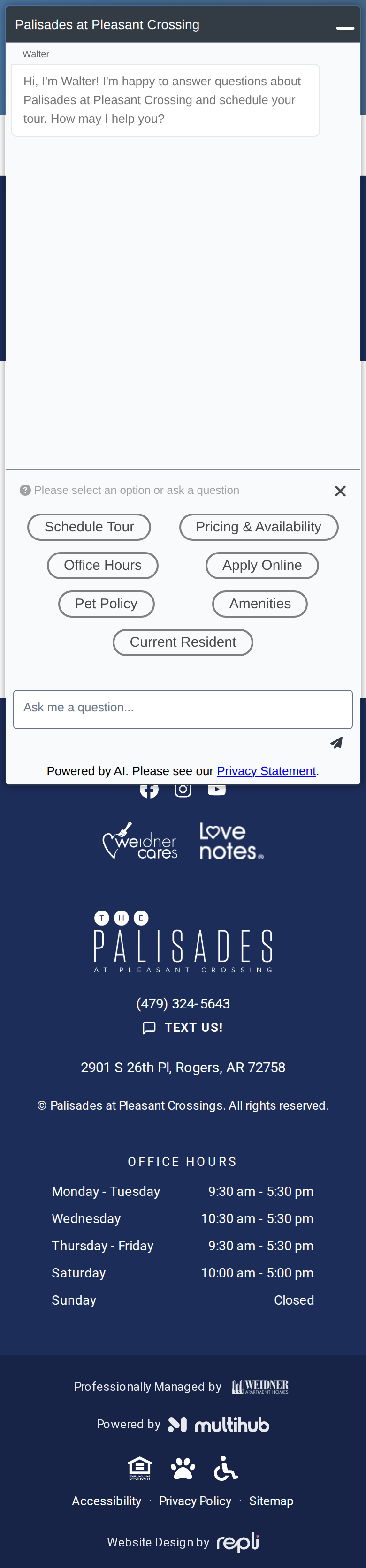
No findings on this page.